



.png?lmsauth=336904cb6b5b385e42b041574ba676a1c4c5cbbe)

You can buy this course part of the 'Learn Archicad!' program Subscription Plan.
CHECK THE SUBSCRIPTIONIn this certificate program you will learn in-demand Archicad skills from Graphisoft experts. Learn at your own pace, basic Archicad experience is required.
What you will learn
Understand the background processes when working with Point Clouds.
Interpret Point Cloud scans accurately for architectural projects.
Document and trace topography using Point Cloud data.
Analyze and extract tree-related data from Point Cloud scans.
Model architectural elements like walls, roofs, and windows using Point Cloud data.
Capture and model kitchen interior details based on Point Cloud measurements.
Optimize point cloud management.
Table of contents
Point Cloud Basics
Reading and Evaluating Scan Data
Modeling Terrain
Trees and Vegetation from Scan Data
Recreating Urban Context from Scans
Interior Modeling from Point Clouds
Recommended learning
Awards
Completing the course material, including the quizzes and assignments with a minimum of 60% achievement and filling out the satisfaction survey, will award you points towards achieving the Archicad BIM Author Certification and a Certification of Attendance is issued automatically in PDF format.
Software requirements
Videos in this course have been created using the International language version of Archicad which means that the work environment and some of the content may be different if you are using a different language version.
To get the best training experience we recommend you to use latest Archicad version!
Access time frame
Access to this program is available for as long as you have an active Learn Archicad! subscription, and your use of the program is subject to the applicable subscription terms.
Have questions?
Contact us at support.graphisoft.com
Here is the course outline:
WelcomeGet familiar with the course outline and the agenda. Download the exercise files and the handout documents to be able to follow the course along with the trainer. |
Background LearningIn this module, you will delve into interpretation of Point cloud into an Archicad model, which is essential in the initial process of working with the Point Clouds. It would showcase the proper specifying and placing process of a Point Cloud, then learning how the points could be modified and coordinated after. It also includes important information in supported file formats, file sizes and other important notes. |
Interpreting the ScanThis module provides an insight into how accurate the scan should be depending on the project. Then the methods needed in the interpretation, such as slicing, measuring, finding planes, and averaging the points of the scan in able to be used properly in the project. |
TopographyThis module focuses on the cutting, sizing, tracing and modifying the Point clouds in the right levels in able to properly document and trace the topography indicated from the scan. |
Tree SurveyThis part focuses on the trees in the scan. From finding out its exact height, trunk diameters, crowns, etc. into properly placing and modifying the new trees according to the measurements gathered. |
Urban Site ModelThis module will tackle how you can model all the other details from the scan such as Walls, Roofs, and Windows in able to showcase other things existing in the urban context of the site. It includes the techniques you can use to accurately place them using the Archicad tools. |
Kitchen InteriorIn this module, you will learn how to properly get the measurements of the other remaining details indicated in the scan, such as the Interior and Exterior walls needed to showcase the kitchen existing on the site scanned. Through this, you would be able to measure scans of interiors properly and document them precisely after. |
QuizFinishing the quiz referring to the previously seen content before proceeding to the subsequent modules is advisable. |
ConclusionThank you for completing this training! Please fill out the anonymous satisfaction survey so we can continue improving our training materials! |
Completion
The following certificates are awarded when the course is completed:
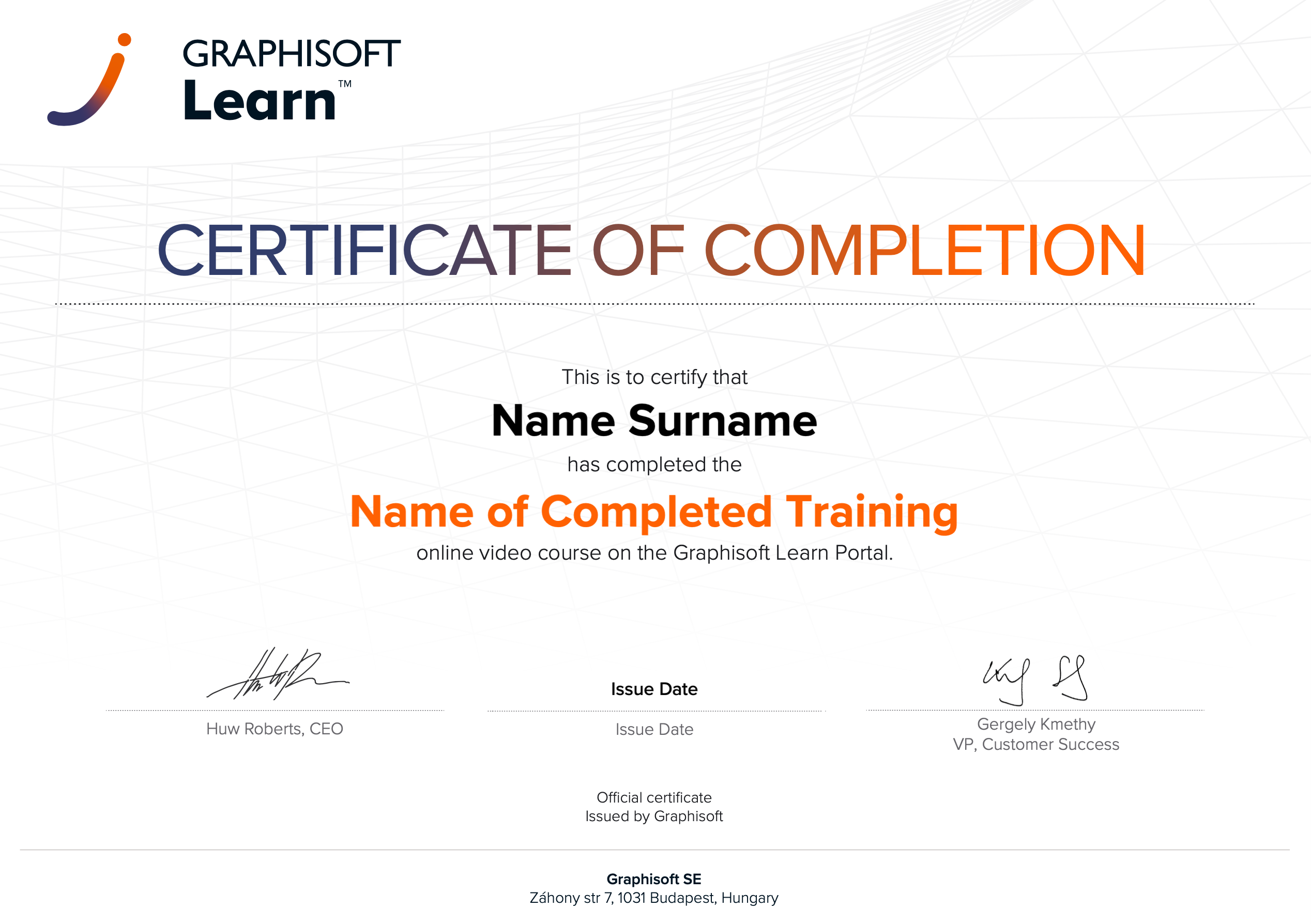 |
INT_Certificate of Completion - Online Video Course |